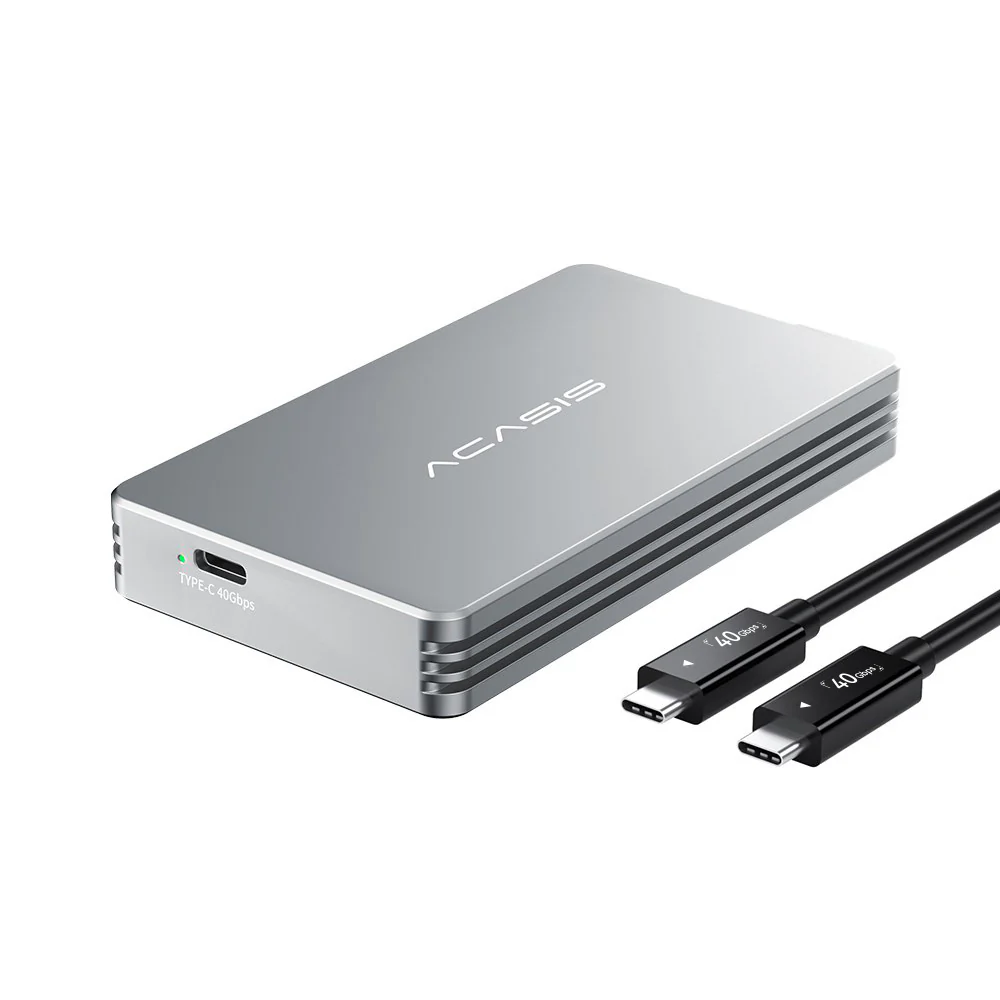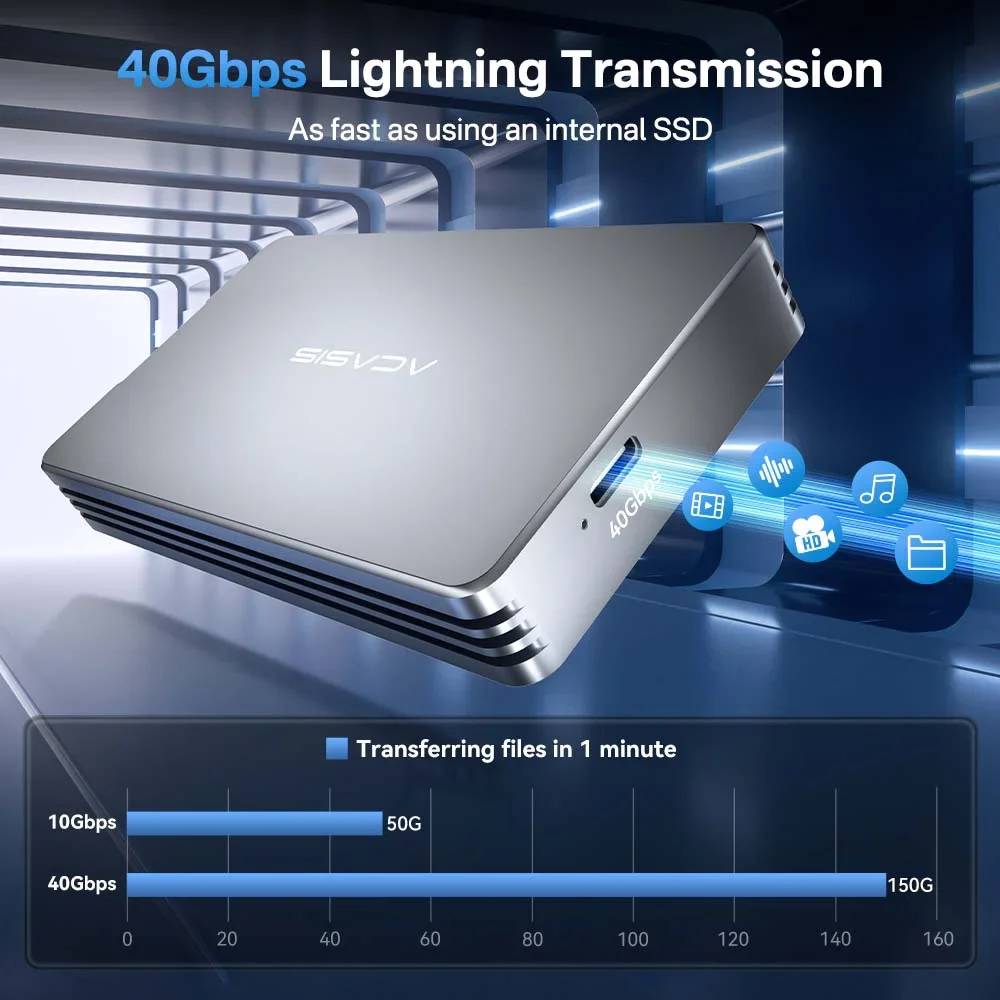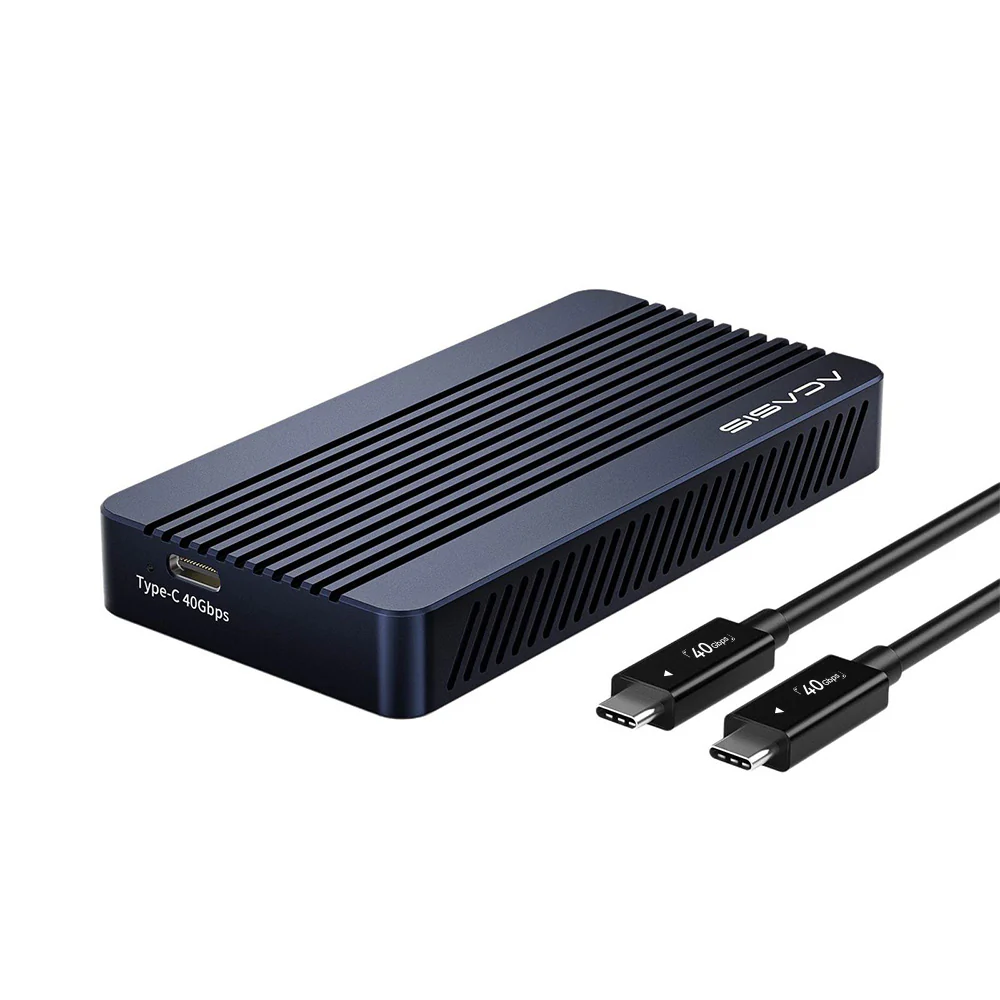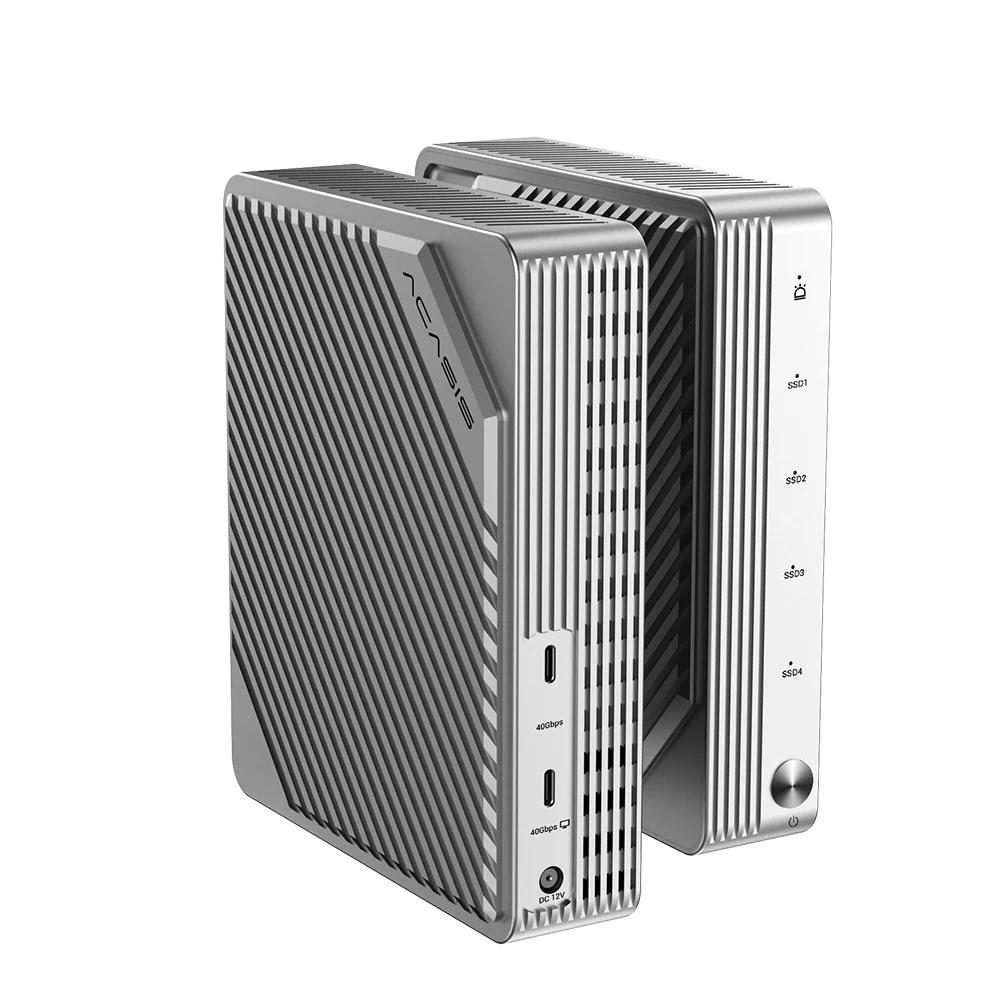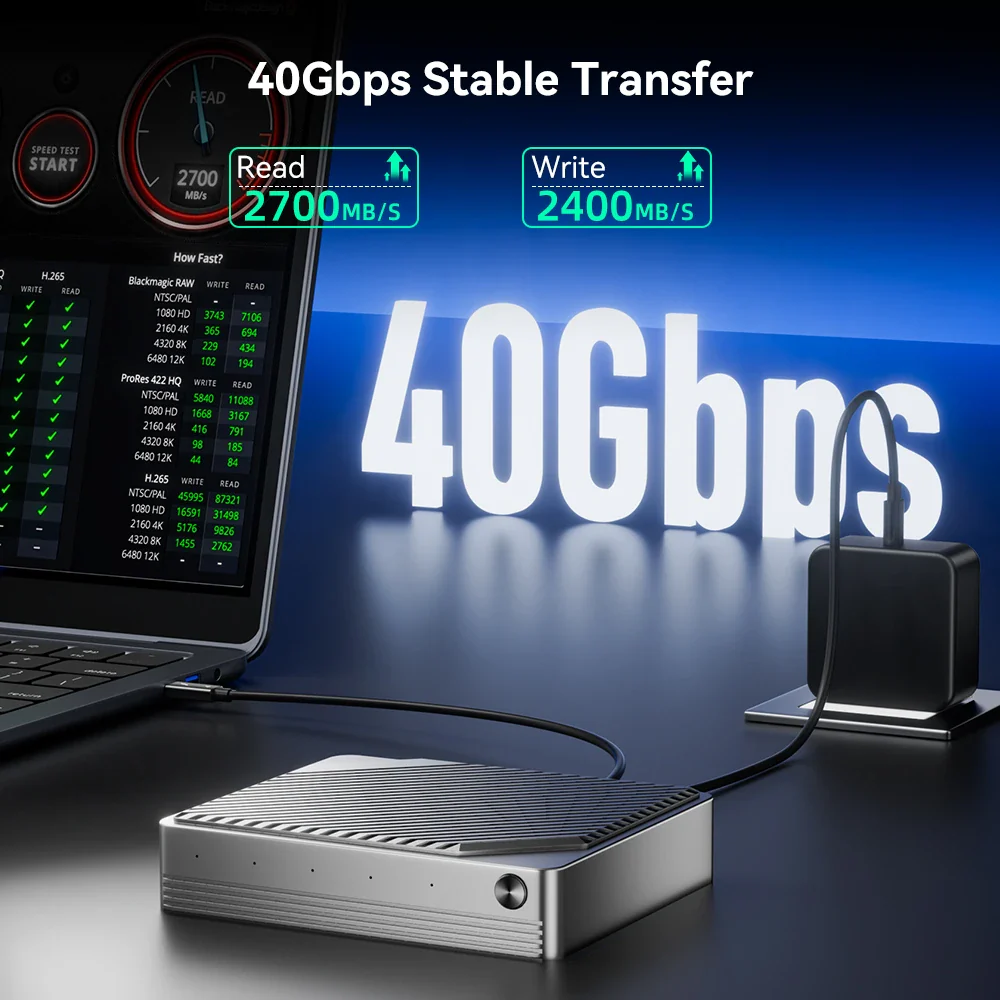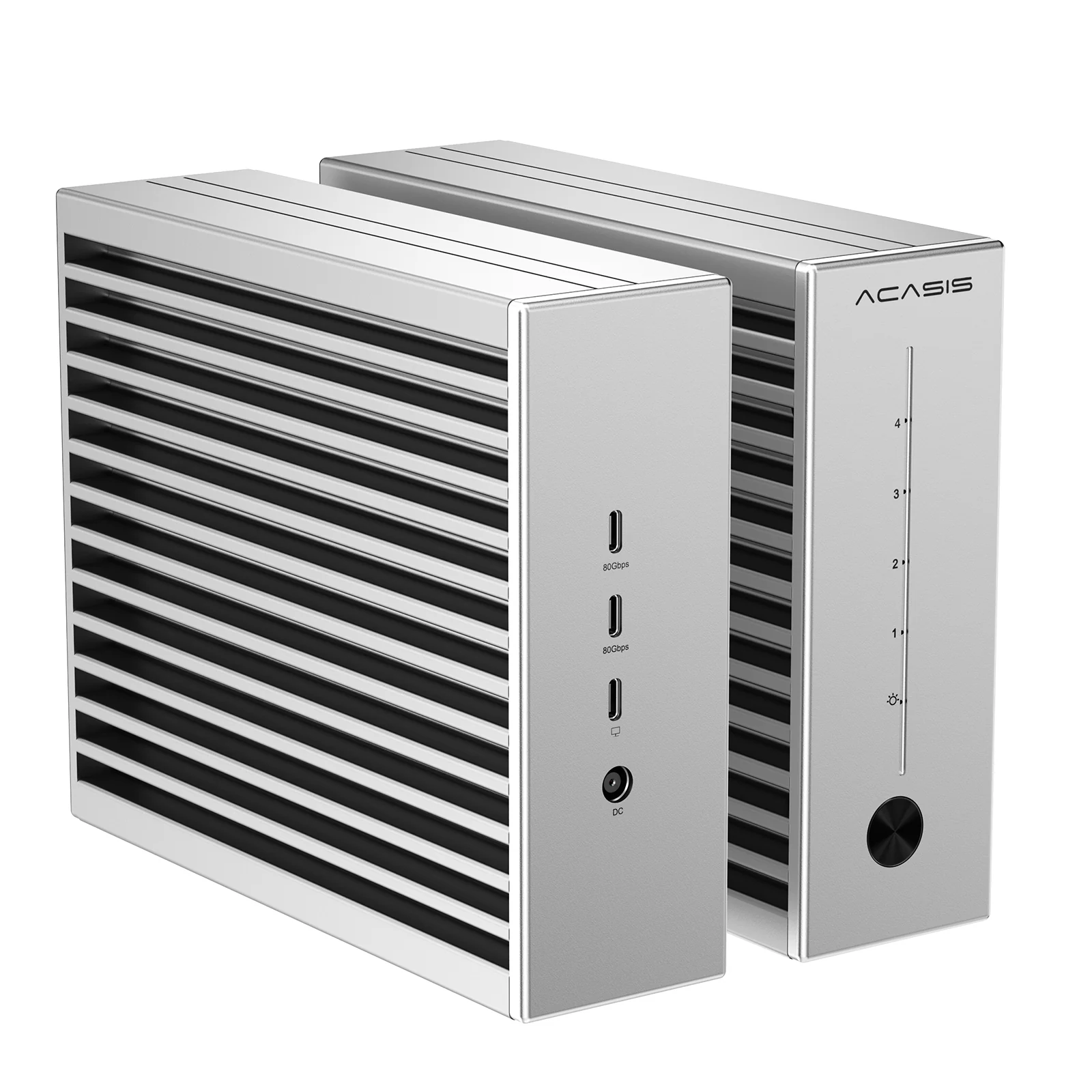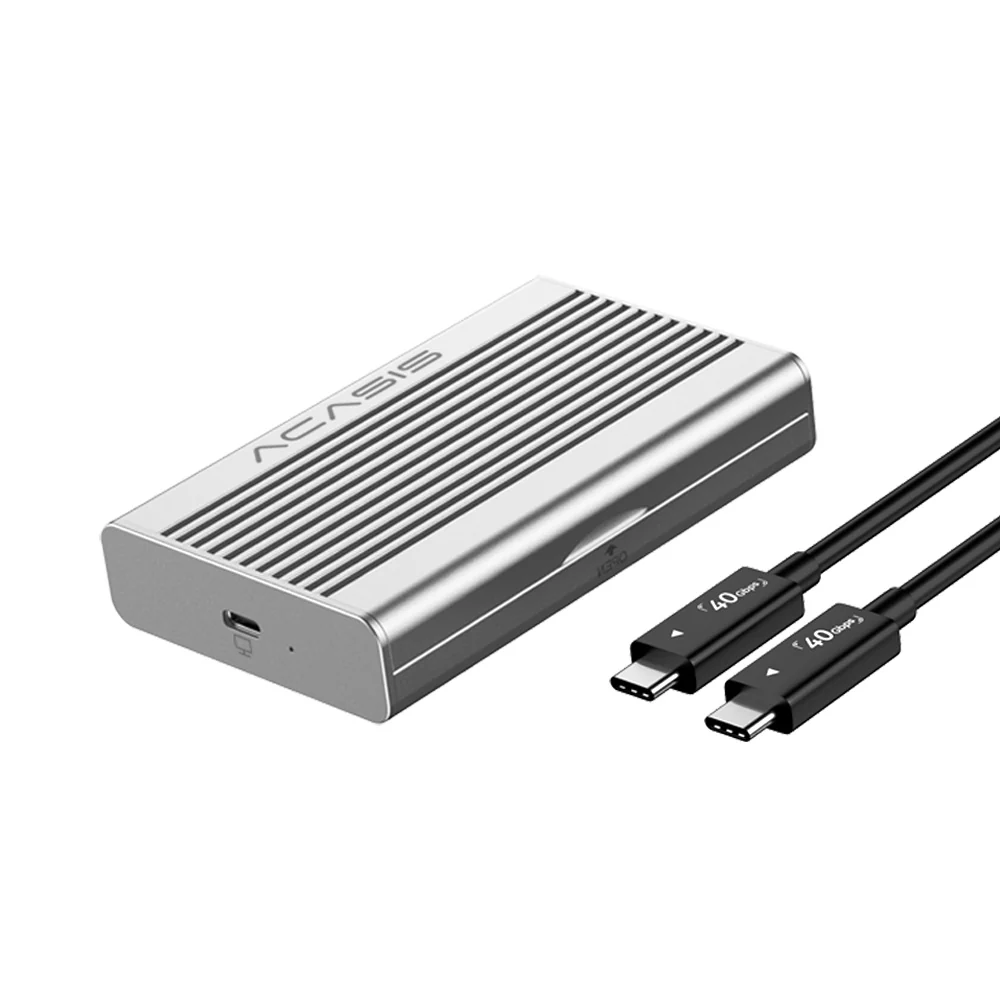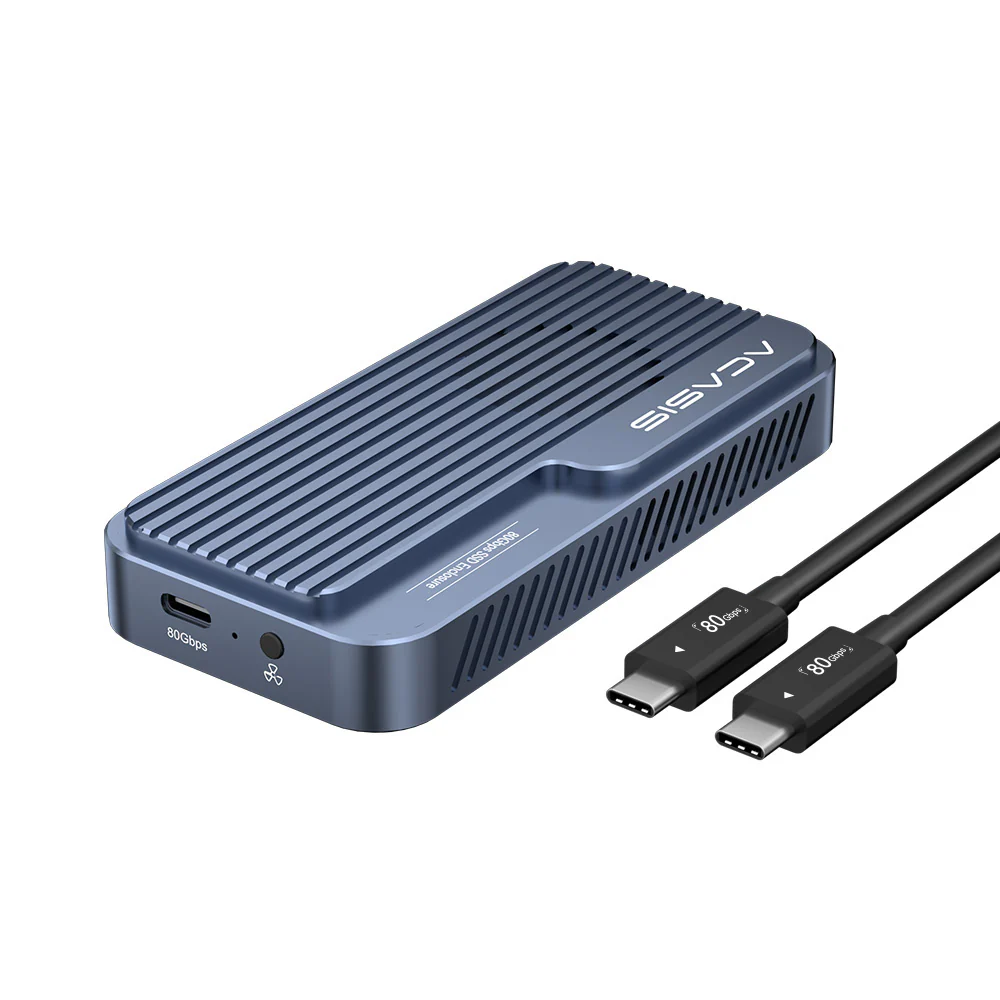
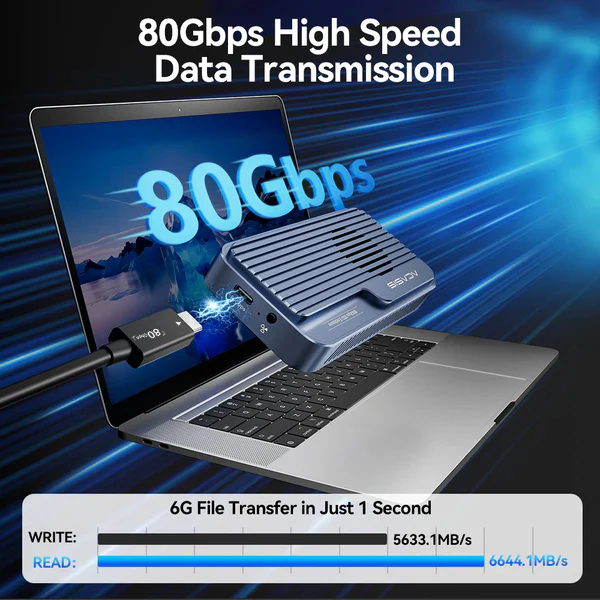
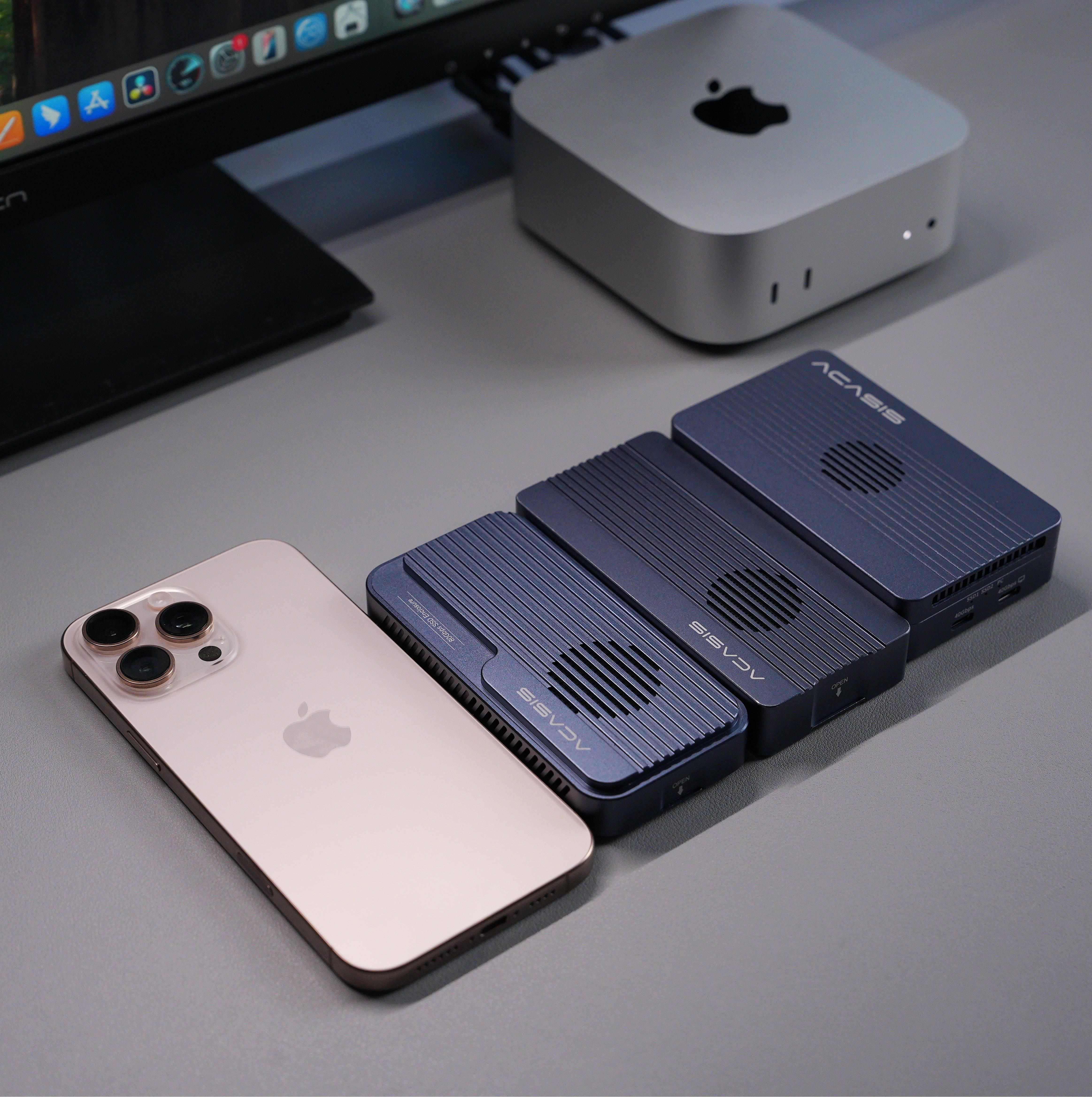
Acasis 80Gbps M.2 NVMe SSD Enclosure Compatible with Thunderbolt 5


Shared Features
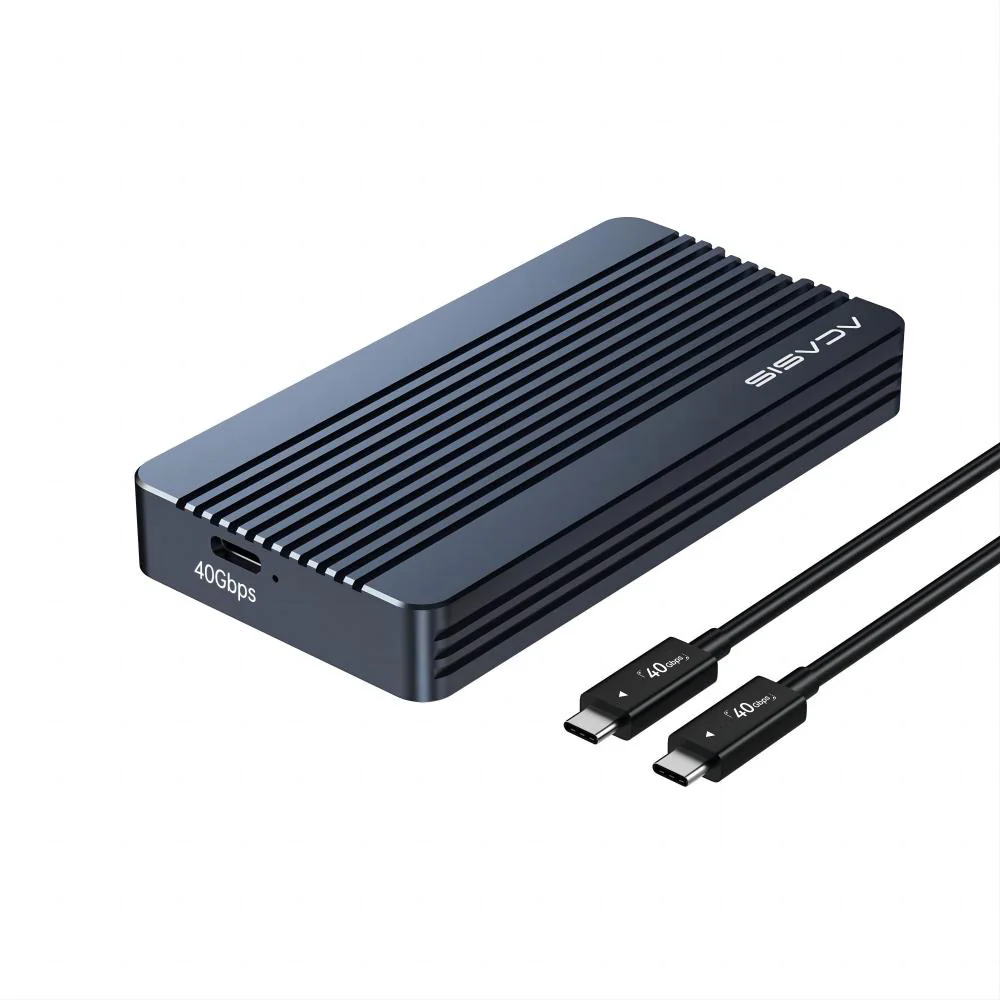
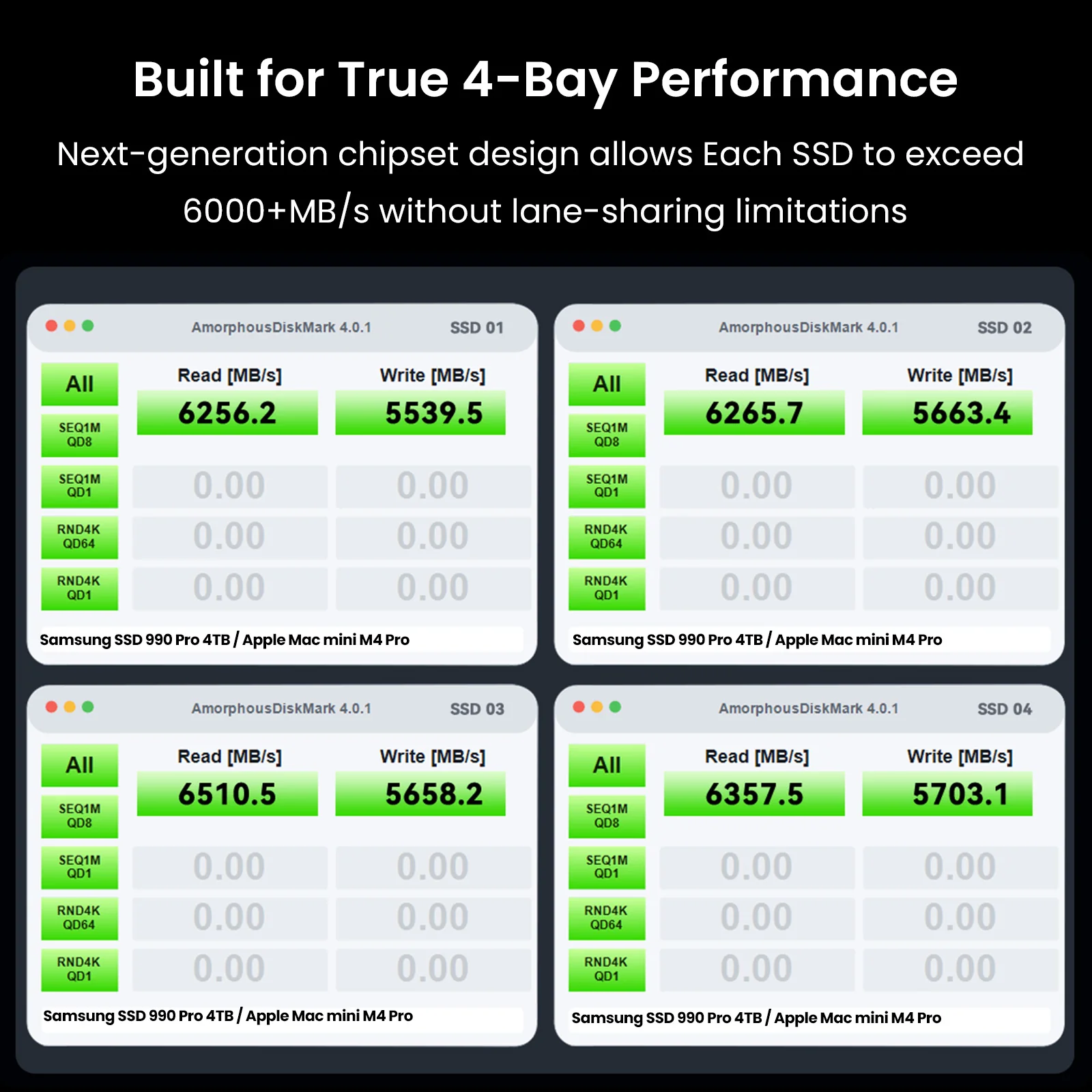
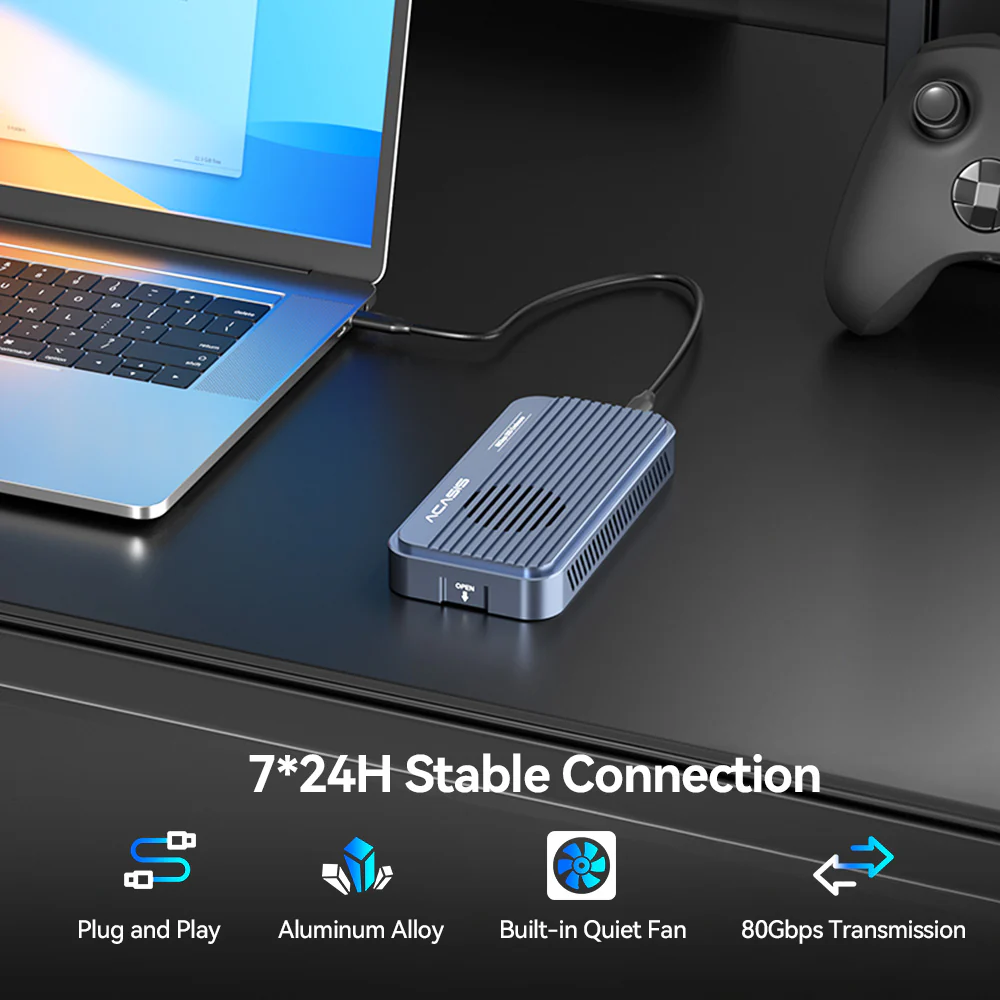
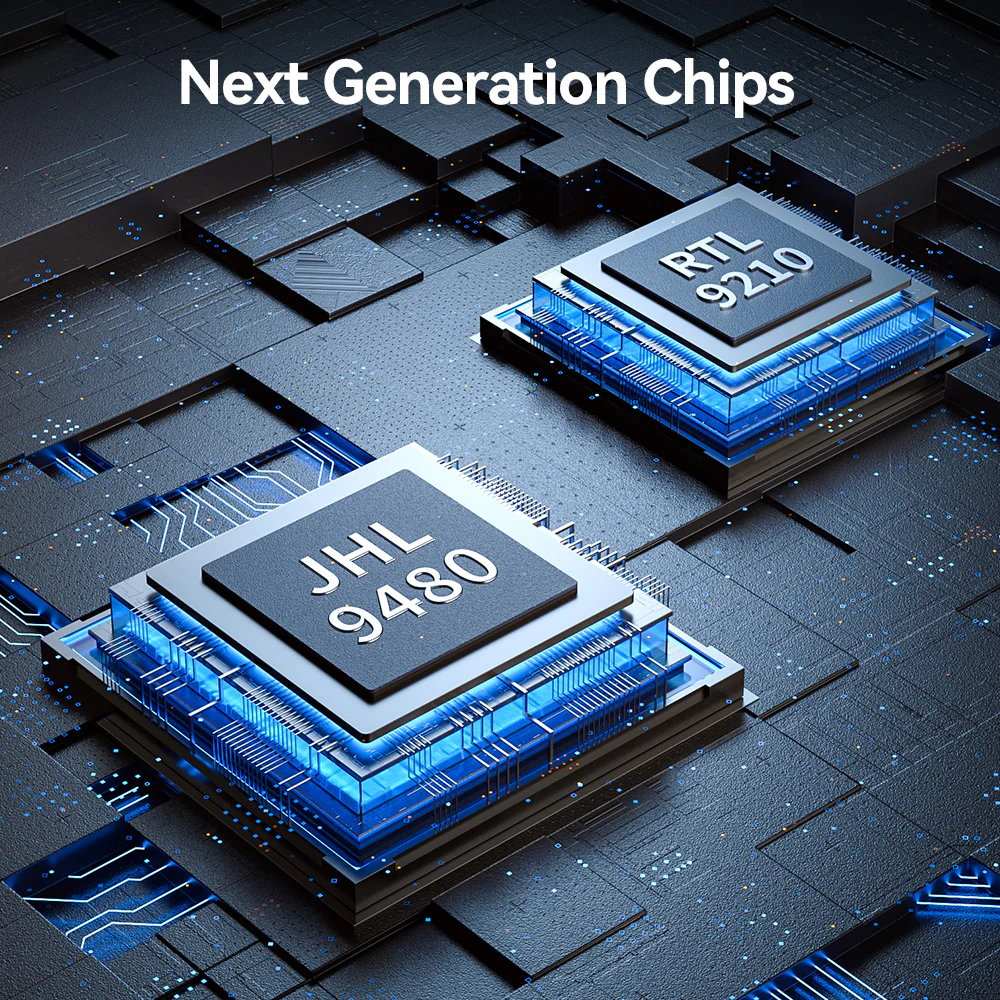
- New PCBA design with latest Intel JHL9480(B2) chipset and optimized architecture
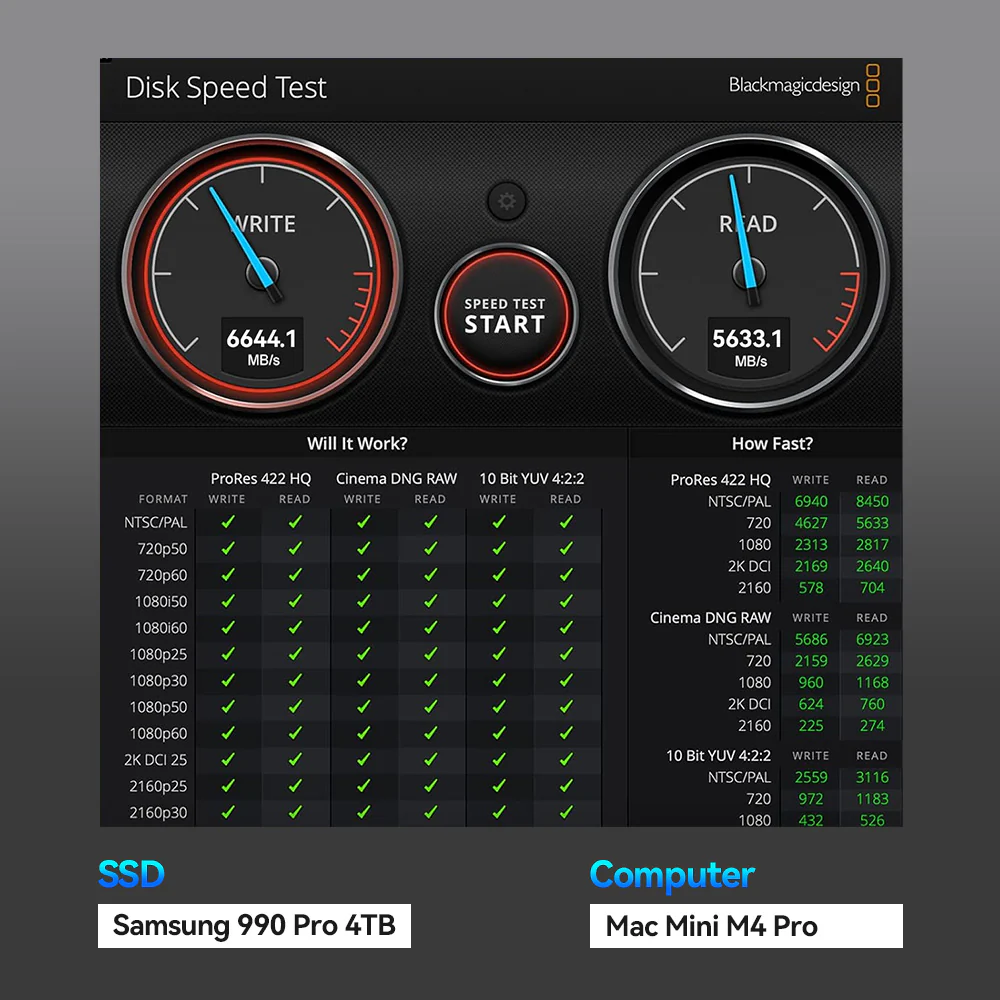
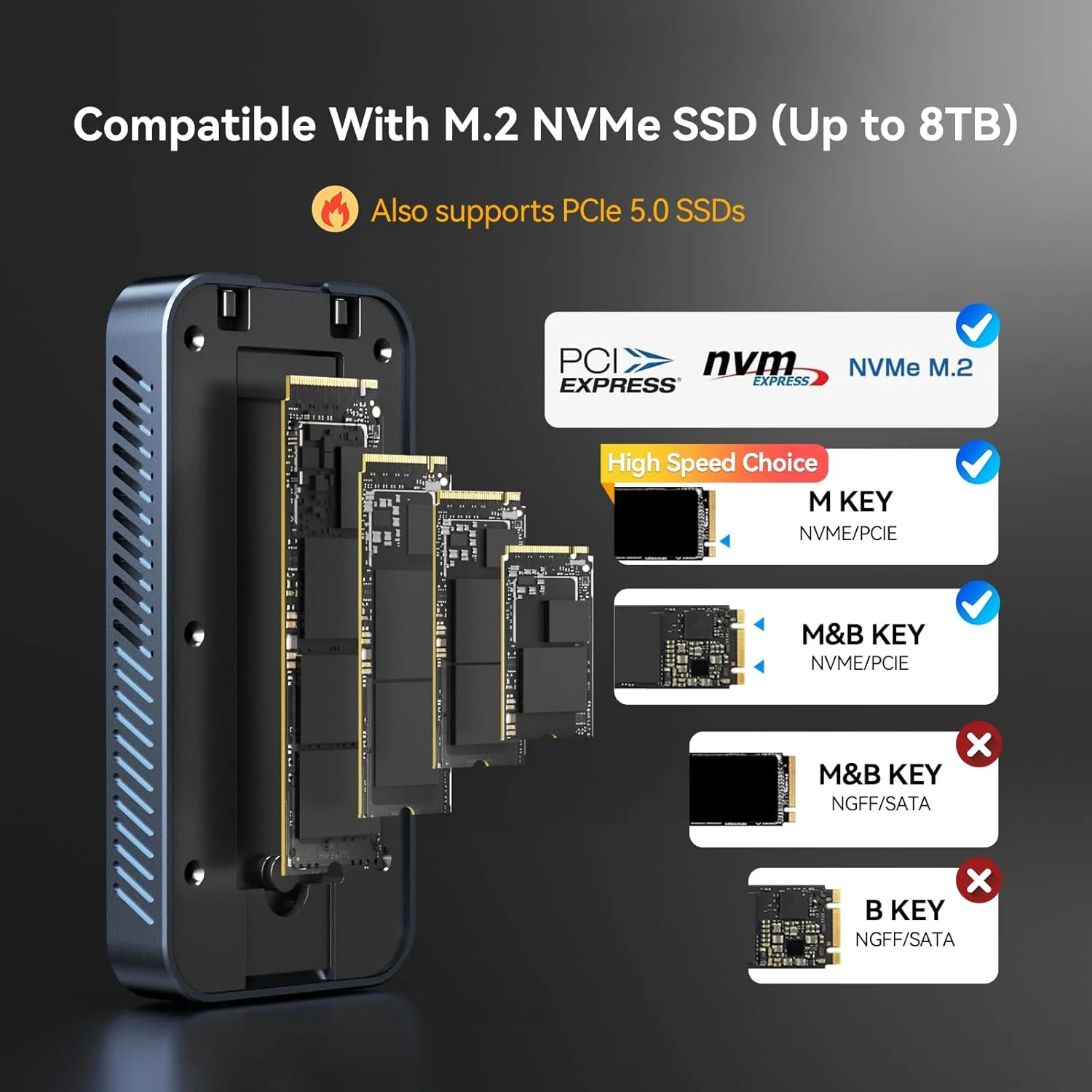
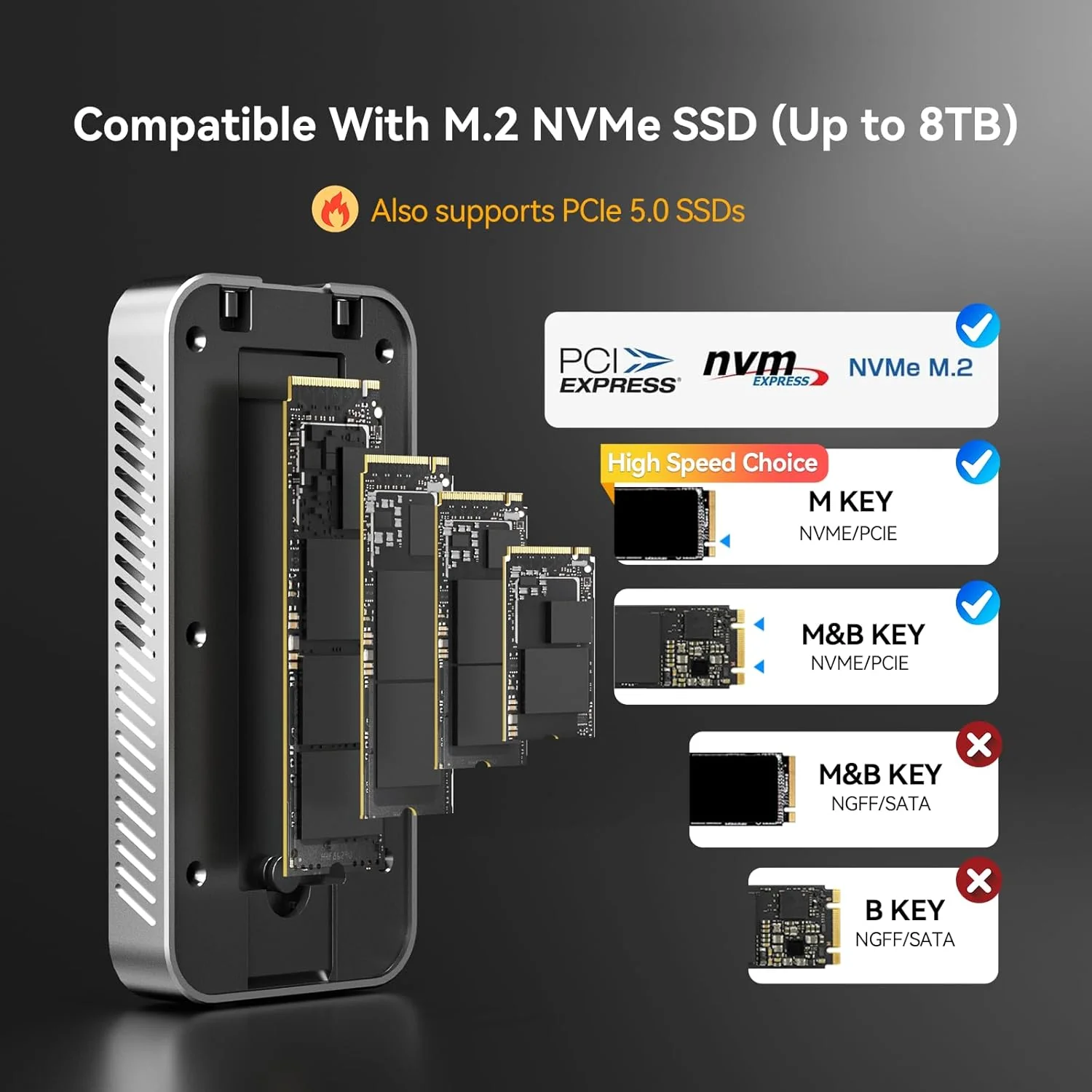
- Native PCIe Gen5 NVMe SSD support (backward compatible with Gen4/Gen3)
- Enhanced USB4 compatibility with significantly improved connection stability and rigorous testing
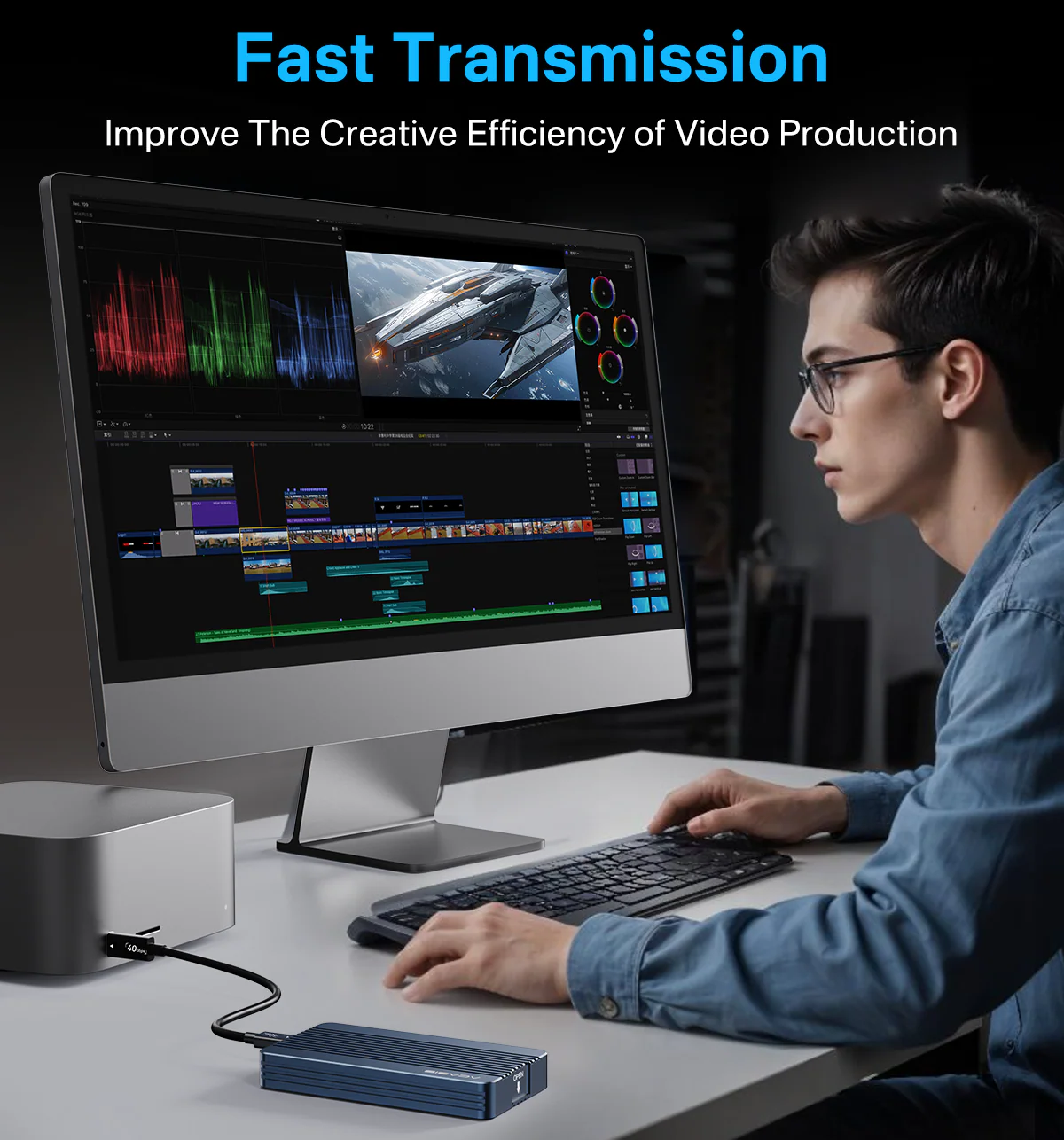
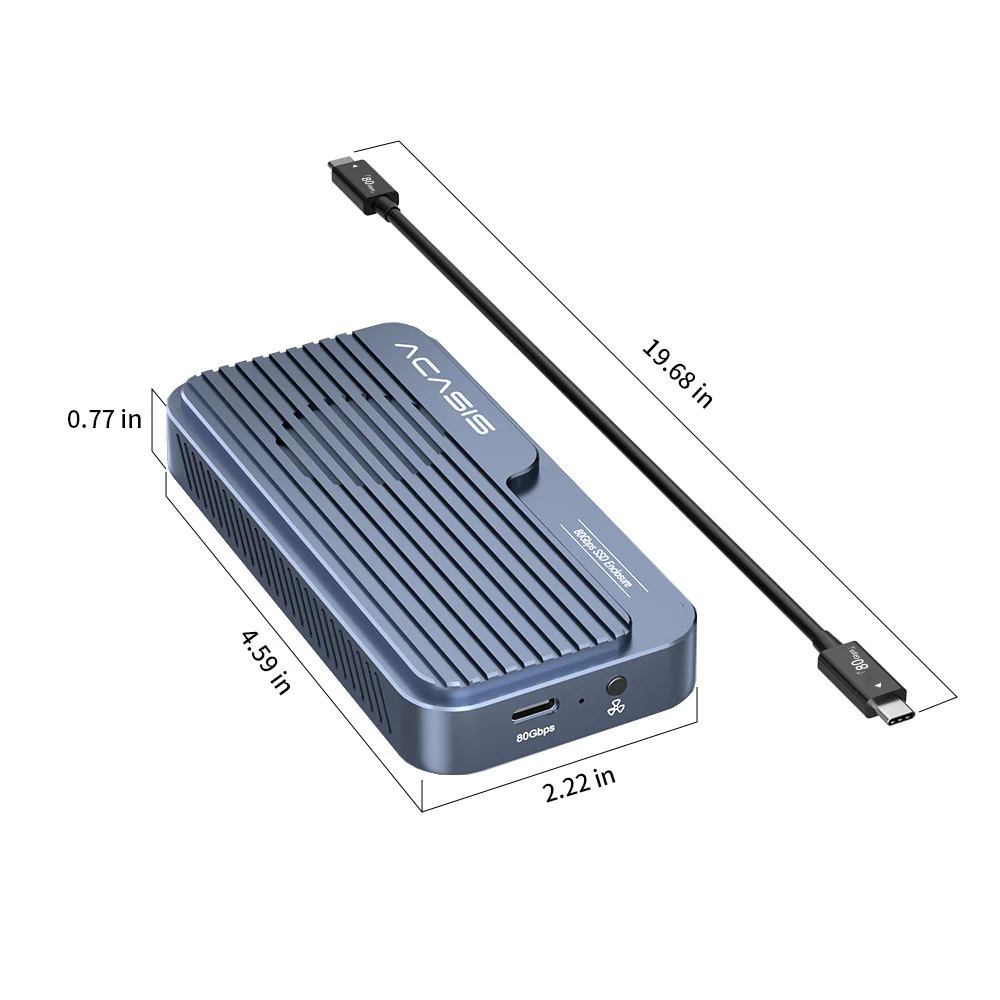
- True Plug & Play: No drivers or power adapter required for both models. TB501Max’s PD port is for supplemental power only when needed.
Key Differences
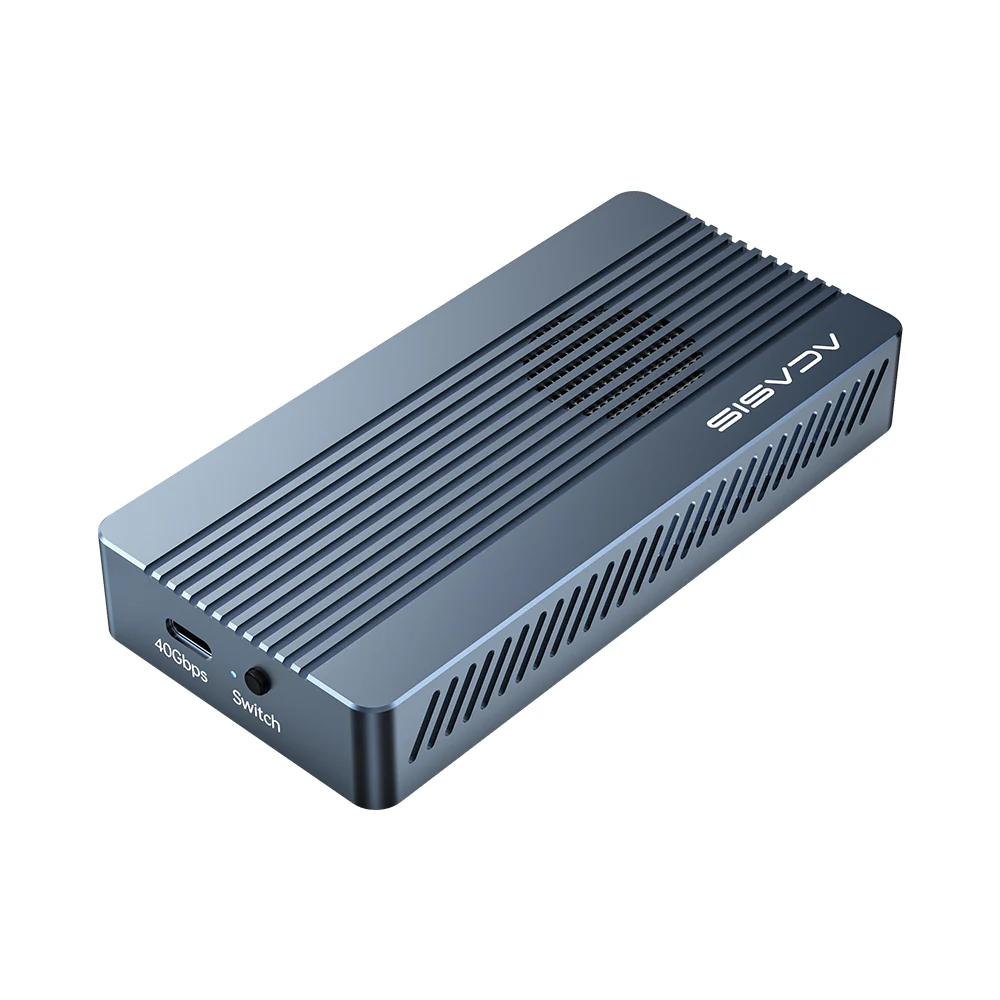
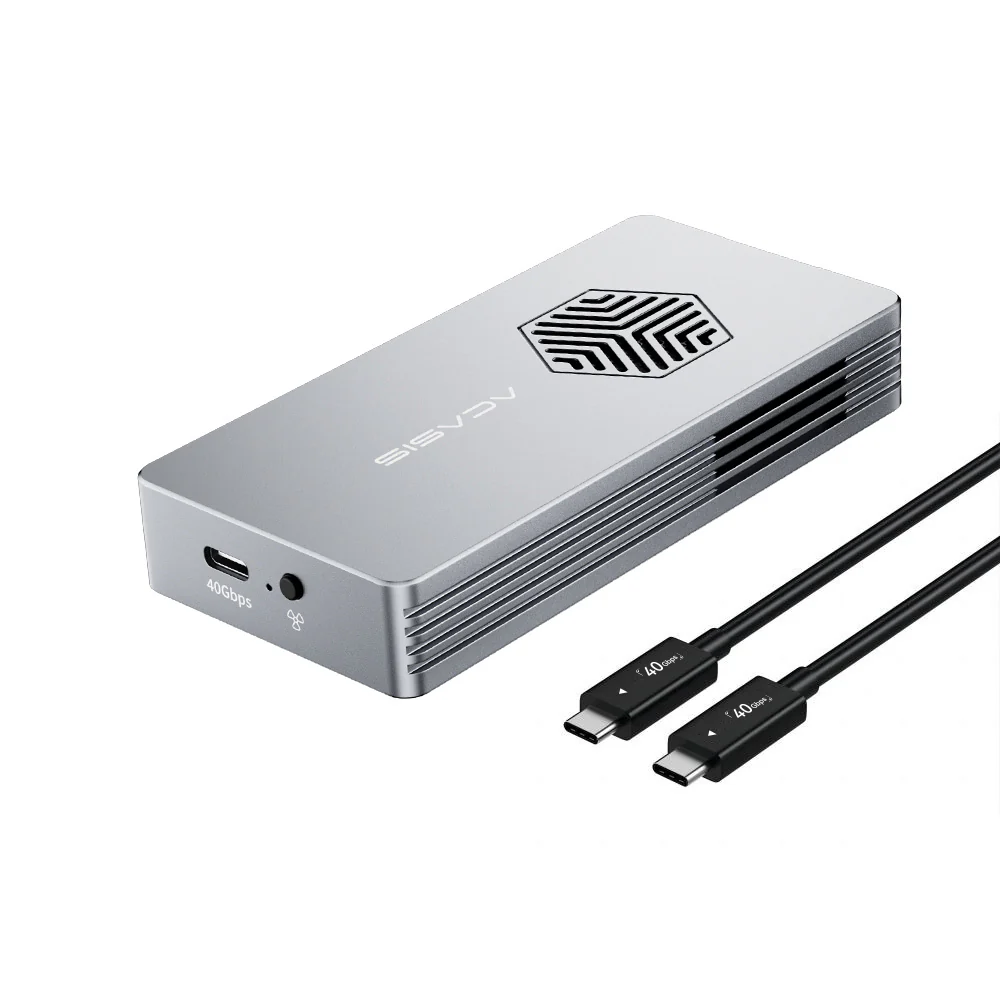
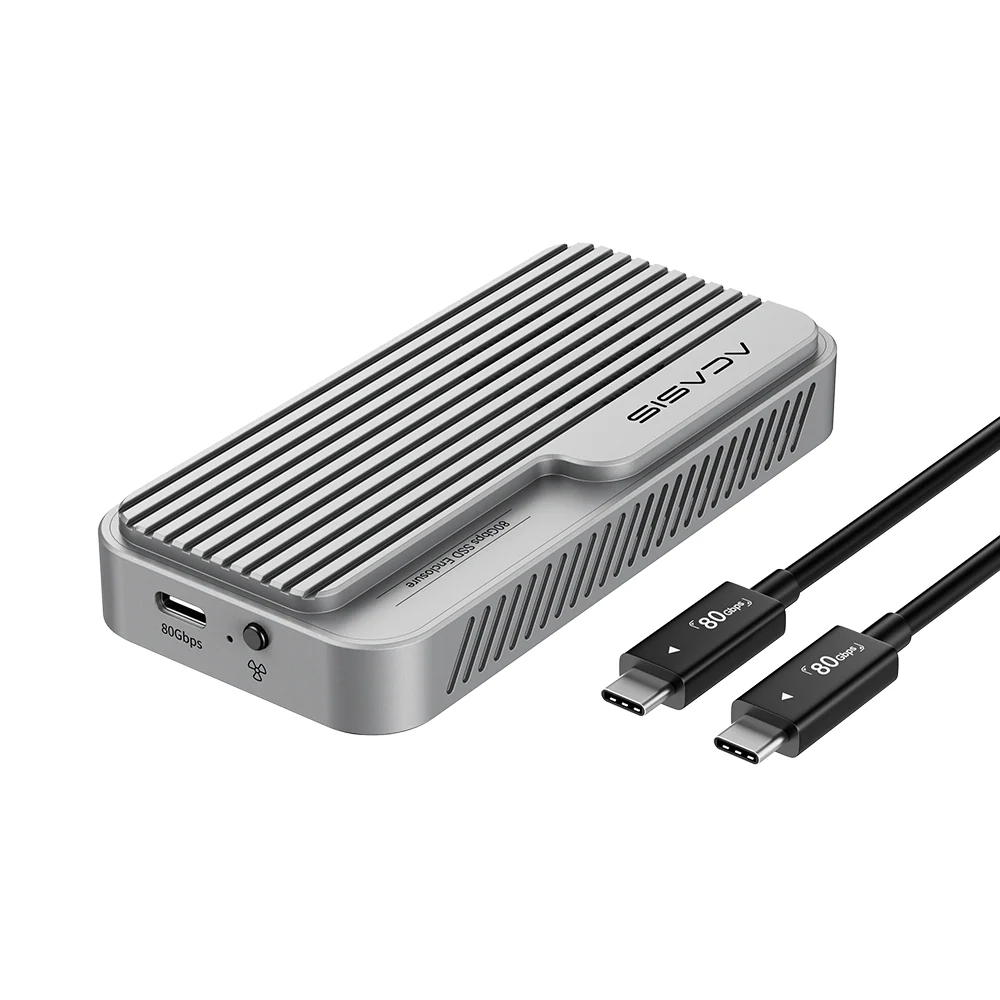
- TB501Pro: Manual fan button for direct control (auto-starts at 55°C, can be turned on/off anytime), but no PD charging
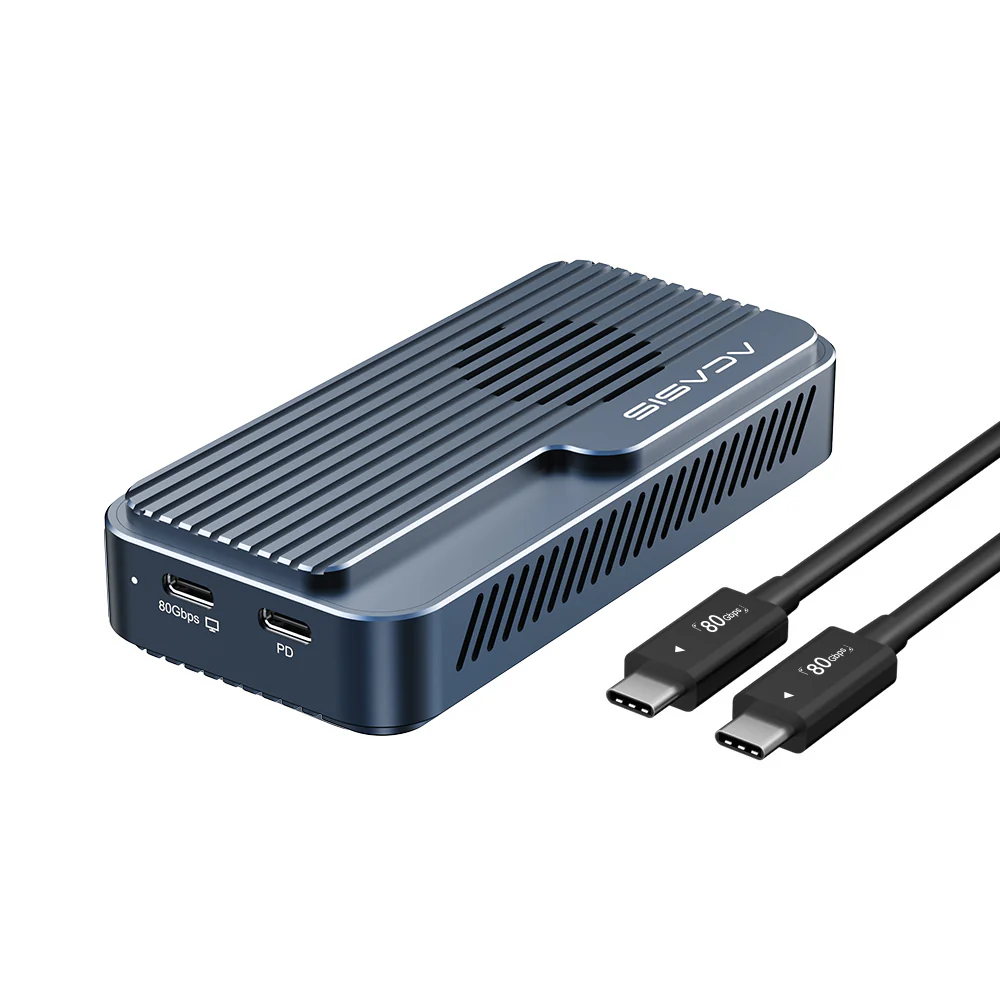
- TB501Max: Fully automatic silent fan (starts only at 55°C, no manual button) + PD port for 90W laptop charging during 80Gbps data transfer


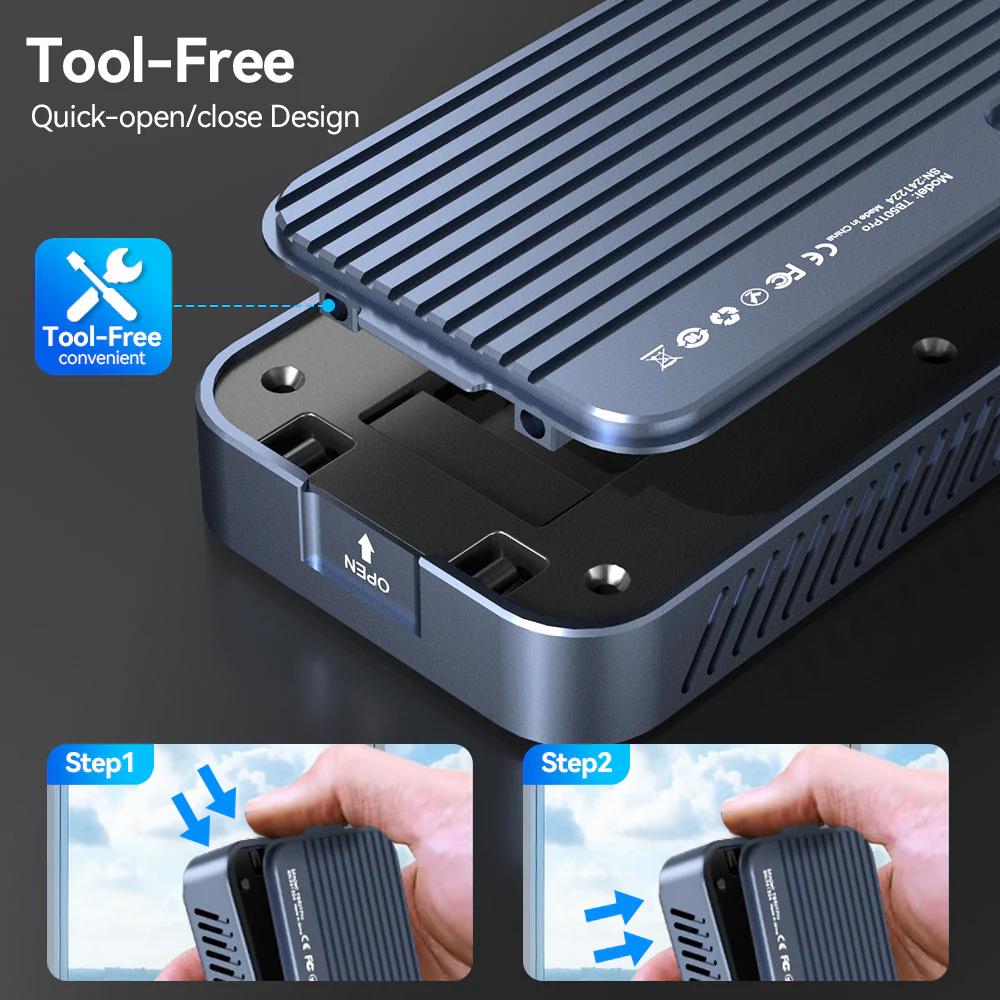
⚠️ Important Note: SSDs with integrated heatsinks exceed the enclosure's internal dimensions and are not recommended.


Note:
1. Confirm Thunderbolt 5/4/3/USB4 Port Availability
Make sure your computer has a Thunderbolt 5 or USB4 port. All Apple computers released in 2015 or later with Thunderbolt 5 or USB4 ports are compatible. For Windows computers, those released after 2016 with Thunderbolt 5 or USB4 ports will also work.
2. Choosing an SSD
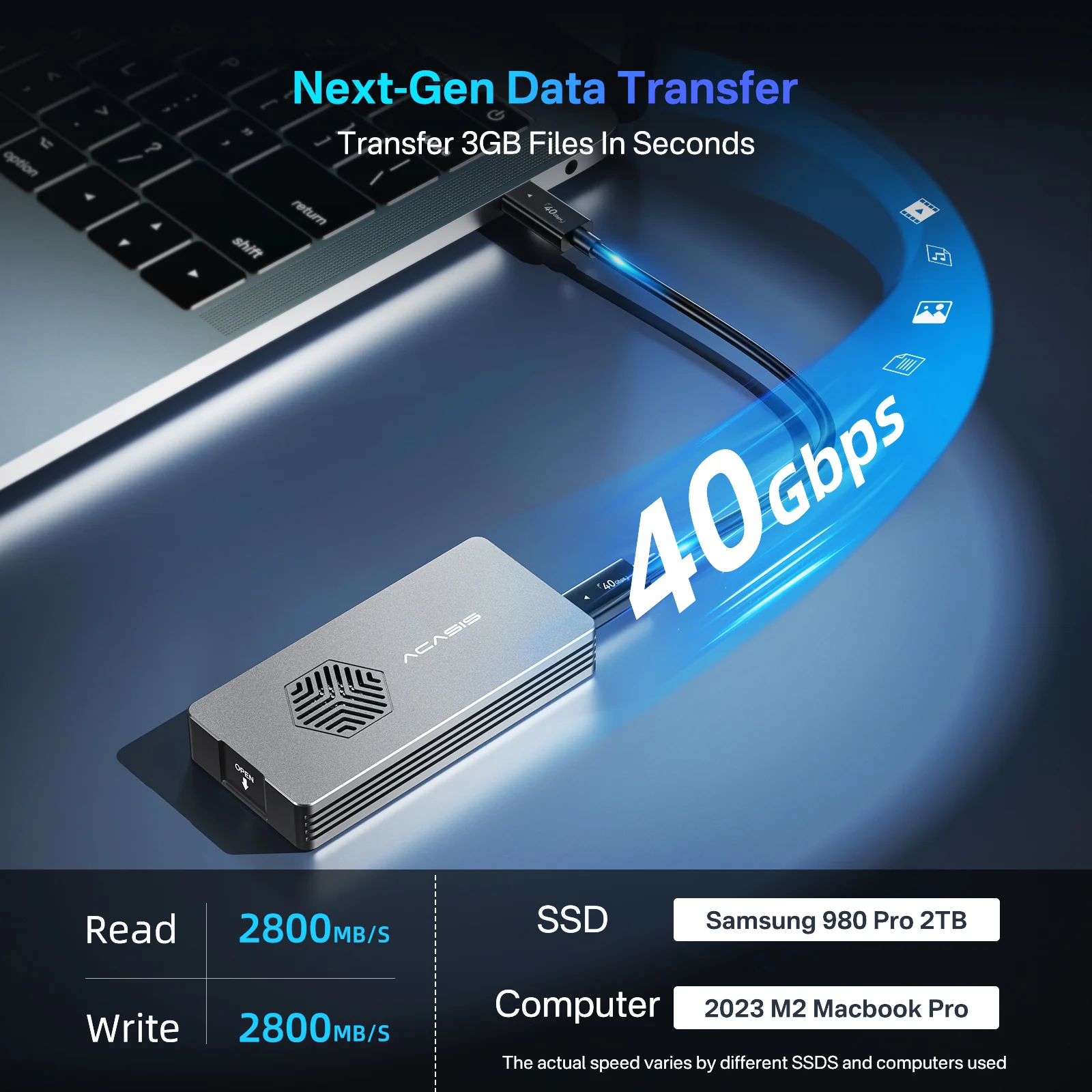
We have tested dozens of SSDs to ensure that our customers can find the right one for their needs. We recommend the Samsung 9100Pro/990 Pro/980 Pro, Western Digital SN850/SN850X, and Crucial P3 Plus.
3. Formatting the SSD
When using the SSD on macOS, you can choose either Mac OS Extended (Journaled) or APFS (whichever is faster for your needs). For Windows, select NTFS. If you want to use it on both systems, choose ExFAT (make sure to format it as ExFAT on macOS).
4. Data Backup
Please back up your data before using the SSD enclosure. If you encounter any issues with product quality during the warranty period, customer service can assist with device replacement; however, we cannot provide data recovery services or cover losses due to data loss. We appreciate your understanding regarding this matter.
Original: $174.00
-65%$174.00
$60.90Product Information
Product Information
Shipping & Returns
Shipping & Returns
Description
Shared Features
- New PCBA design with latest Intel JHL9480(B2) chipset and optimized architecture
- Native PCIe Gen5 NVMe SSD support (backward compatible with Gen4/Gen3)
- Enhanced USB4 compatibility with significantly improved connection stability and rigorous testing
- True Plug & Play: No drivers or power adapter required for both models. TB501Max’s PD port is for supplemental power only when needed.
Key Differences
- TB501Pro: Manual fan button for direct control (auto-starts at 55°C, can be turned on/off anytime), but no PD charging
- TB501Max: Fully automatic silent fan (starts only at 55°C, no manual button) + PD port for 90W laptop charging during 80Gbps data transfer
⚠️ Important Note: SSDs with integrated heatsinks exceed the enclosure's internal dimensions and are not recommended.
Note:
1. Confirm Thunderbolt 5/4/3/USB4 Port Availability
Make sure your computer has a Thunderbolt 5 or USB4 port. All Apple computers released in 2015 or later with Thunderbolt 5 or USB4 ports are compatible. For Windows computers, those released after 2016 with Thunderbolt 5 or USB4 ports will also work.
2. Choosing an SSD
We have tested dozens of SSDs to ensure that our customers can find the right one for their needs. We recommend the Samsung 9100Pro/990 Pro/980 Pro, Western Digital SN850/SN850X, and Crucial P3 Plus.
3. Formatting the SSD
When using the SSD on macOS, you can choose either Mac OS Extended (Journaled) or APFS (whichever is faster for your needs). For Windows, select NTFS. If you want to use it on both systems, choose ExFAT (make sure to format it as ExFAT on macOS).
4. Data Backup
Please back up your data before using the SSD enclosure. If you encounter any issues with product quality during the warranty period, customer service can assist with device replacement; however, we cannot provide data recovery services or cover losses due to data loss. We appreciate your understanding regarding this matter.